Sale!
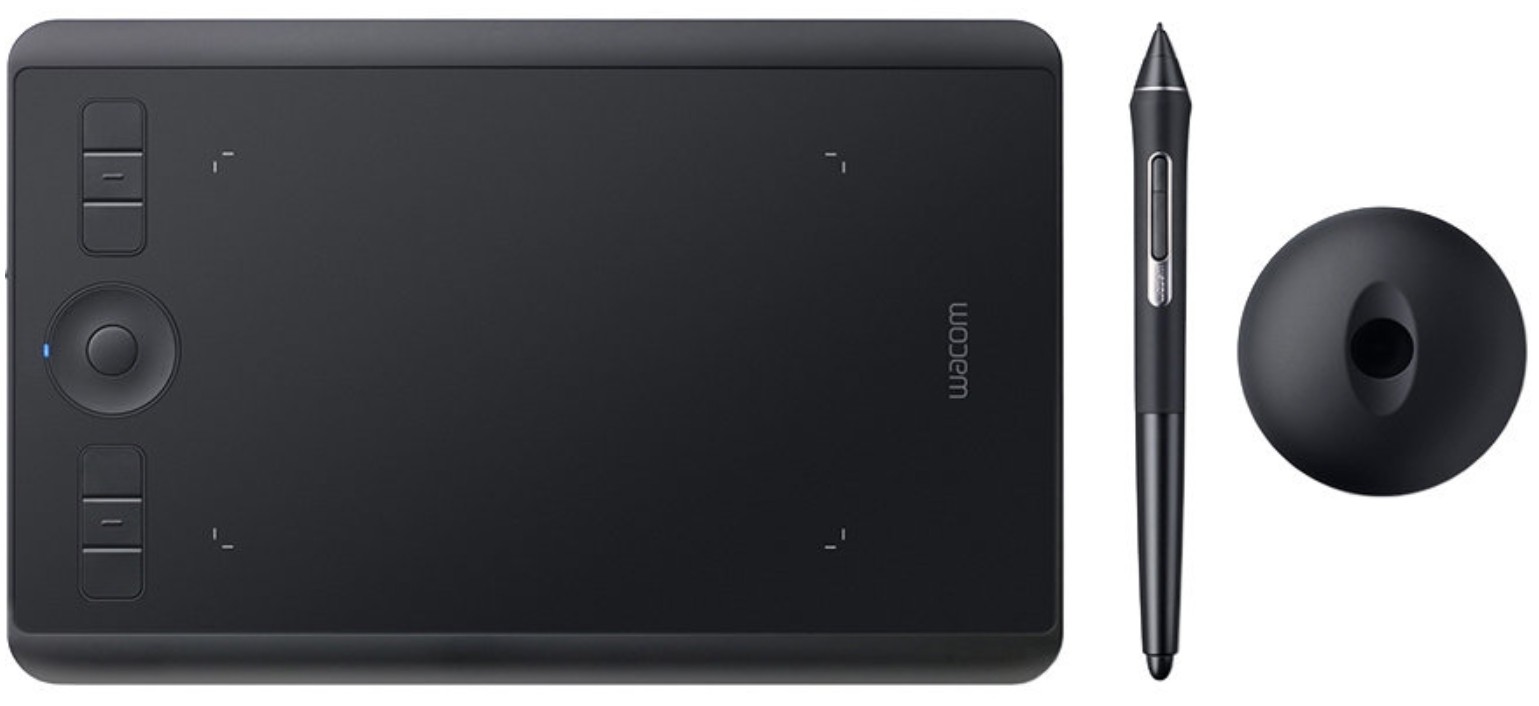
Wacom Intuos Pro S graphics tablet, 5080lpi, 160x100mm Active area, Pen : wireless, spike, erasure function, 2 keys | PTH460K0B
$ 95.18
- Estimated Delivery : Up to 5 business days
- Free Shipping & Returns :
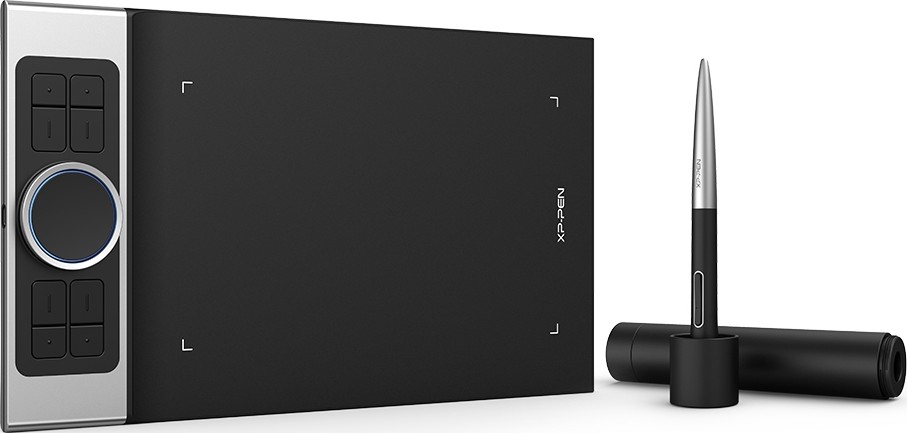
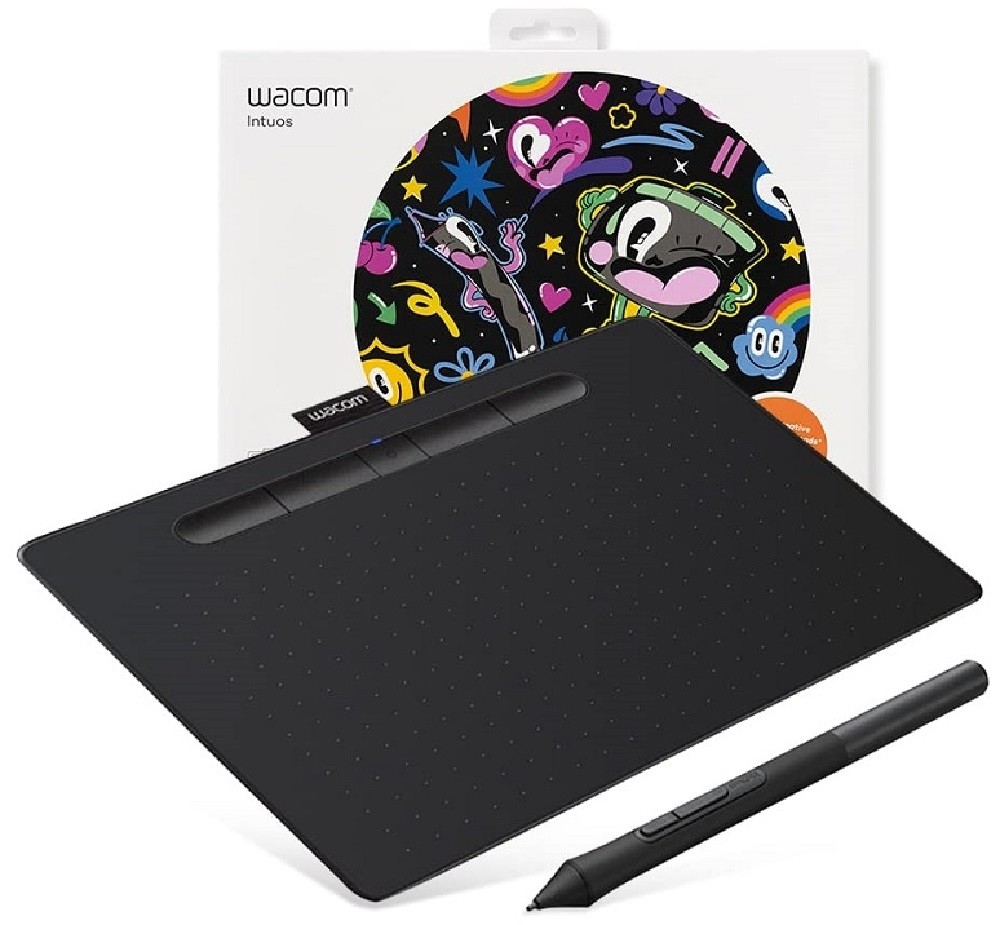
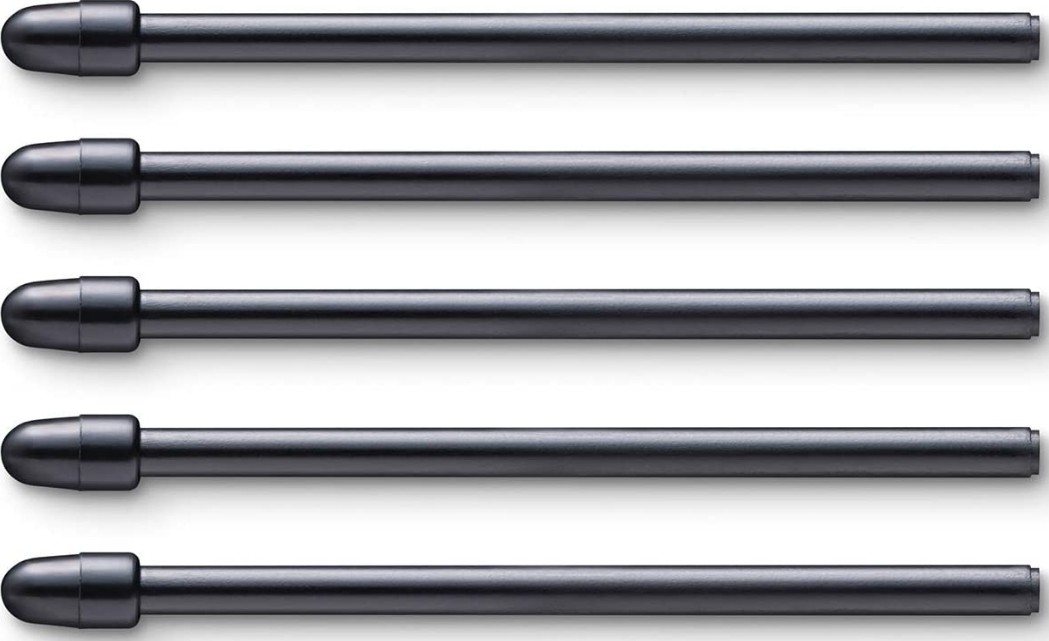
Product description Wacom Intuos Pro S Unleash your creativity with some of the Wacom Intuos Pro graphics tablets. You can be a beginner or a professional, Intuos always offers you everything you need . And because you can draw with a regular paper pencil, working with Intuos will be simple and natural . It offers exactly what you need to showcase creative ability and creative projects. Intuos Pro is right for your artistic ambitions. Intuos Pro – A true professional tool Wacom Intuos Pro combines stunning ergonomic design with Wacom pen technology with intuitive multi-touch control. In addition to this exciting new feature, other features are added to ExpressKeys and Touch Ring, which, along with Radial Menu Screen and Express View, will bring a new level of intuitive and ergonomic way to work with digital software. Create naturally Pencil or pen making is the most natural way that ordinary mice cannot replace. With its unique Wacom Pro Pen 2 pressure sensitive pen, Intuos Pro can offer exactly what you need with a range of digital tools. Take advantage of the 8192 levels of pen and rubber tip for perfect brush strokes, pencil and other tools . The pen also recognizes tilt, plus 10 spikes – 6 standard and 4 felt. Multitouch convenience With the new touch-sensing layer, the control is much simpler and more accurate, allowing you to get more creativity and easier to access your own multi-touch gestures. Scrolling, zooming and navigating with Intuos Pro are as easy as ever. Key properties The Wacom Intuos Pro S tablet offers an active workspace of 160 x 100 mm . It uses the Wacom Pro Pen 2 pressure sensitive pen and touch technology. The pen is able to record 8192 downforce levels,can detect the tilt of the pen . Plus, you can rotate, zoom out or zoom in with touch gestures . The tablet is equipped with six programmable Expresskeys for faster and easier work . It uses USB and Bluetooth to connect . The tablet dimensions are 269 x 170 x 8 mm and a weight of 450 grams. SPECIFICATIONS Product Type Creative Pen Tablet Model Number Medium: PTH-660Large: PTH-860 Size Medium: 338 x 219 x 8 mm / 13.2 x 8.5 x 0.3 inLarge: 430 x 287 x 8 mm / 16.8 x 11.2 x 0.3 in Active Area Area Medium: 224 x 148 mm / 8.7 x 5.8 inLarge: 311 x 216 mm / 12.1 x 8.4 in Weight Weight Medium: 700g/ 1.54lbsLarge: 1300g/ 2.86lb Color Black Multi-Touch Yes Stylus Wacom Pro Pen 2 Stylus Type Pressure-sensitive, cordless, battery-free Pen Pressure Levels 8192, both pen tip and eraser Tilt Recognition ± 60 levels Switches 2 side switches on pen, Touch on/off switch on tablet Replacement Nibs 10 Pro Pen 2 nibs (6 standard and 4 felt nibs in pen stand) Desktop Pen Stand Yes Grip Latex-free silicone rubber (Pro Pen 2) Technology Patented electromagnetic resonance method Resolution 5080 lpi ExpressKeys™ 8 customizable, application-specific Touch Ring Yes – 4 customizable functions Express View Display (hud) Yes Radial Menu Yes Display Toggle Yes Dedicated Pan, Scroll, Zoom, Brush Size Yes Cordless Pen Yes Precision Mode Yes Cable Included 2 m (6.6 ft) PVC-free USB cable PC And Mac Connection USB or Bluetooth Classic for wireless connection Wireless Included Yes – Bluetooth Classic for connecting to a PC or Mac; Bluetooth LE* for connecting to mobile devices (in optional paper mode).*Available in February 2017 Paper Size (for paper sketching) A5/Half Letter for Medium tablet (with optional Paper Clip and Finetip or Ballpoint Pen) A4/Letter for Large tablet (with optionalPaper Clip and Finetip or Ballpoint Pen) Max # of Pages Stored (for paper sketching) With optional Paper Clip and Finetip or Ballpoint Pen, 200 pages with unlimited layers on tablet – no connection necessary System Requirements USB port, Windows® 7 or later (64bit), Mac OS 10.10 or later, Bluetooth Classic for wireless connection to PC or Mac, Bluetooth LE for wireless connection to mobile devices (in paper mode), Internet connection to download driver* and software *Download and installation of driver is required to make product work. Accessories Wacom Paper Clip, Wacom Finetip Pen, Wacom Ballpoint Pen, Wacom standard nibs (5 pack), Wacom felt nibs (3 pack), Wacom Finetip refills (3 pack), Wacom Ballpoint refills (3 pack), Wacom Soft Case – Medium or Large, Wacom Texture Sheets – smooth, standard, and rough, Prior generation pens (Pro, Classic, Art, Airbrush, Grip) Wacom Pro Pen 2 with case (replaceable)